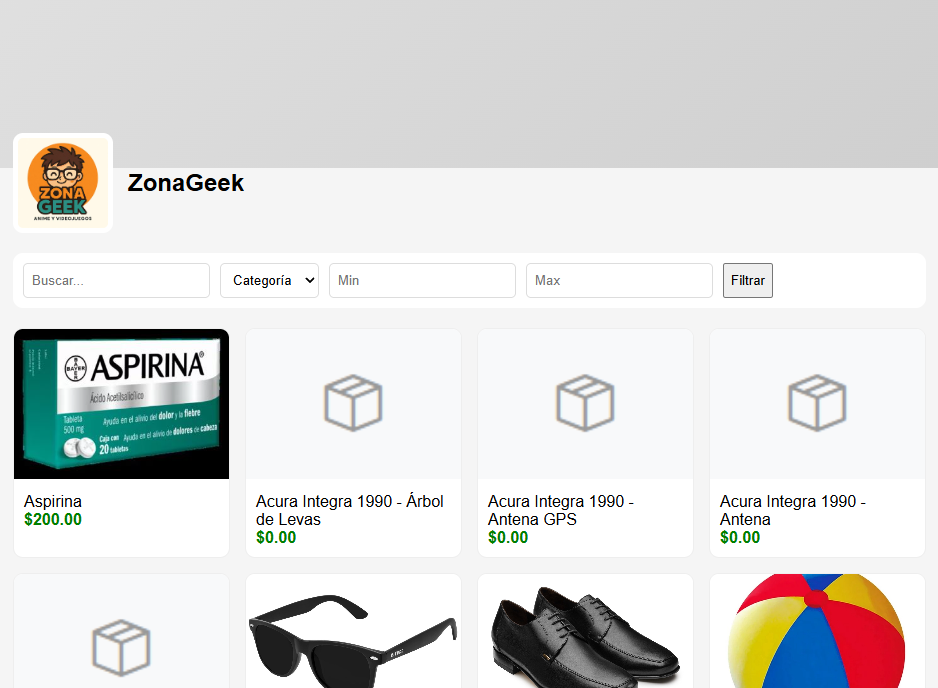
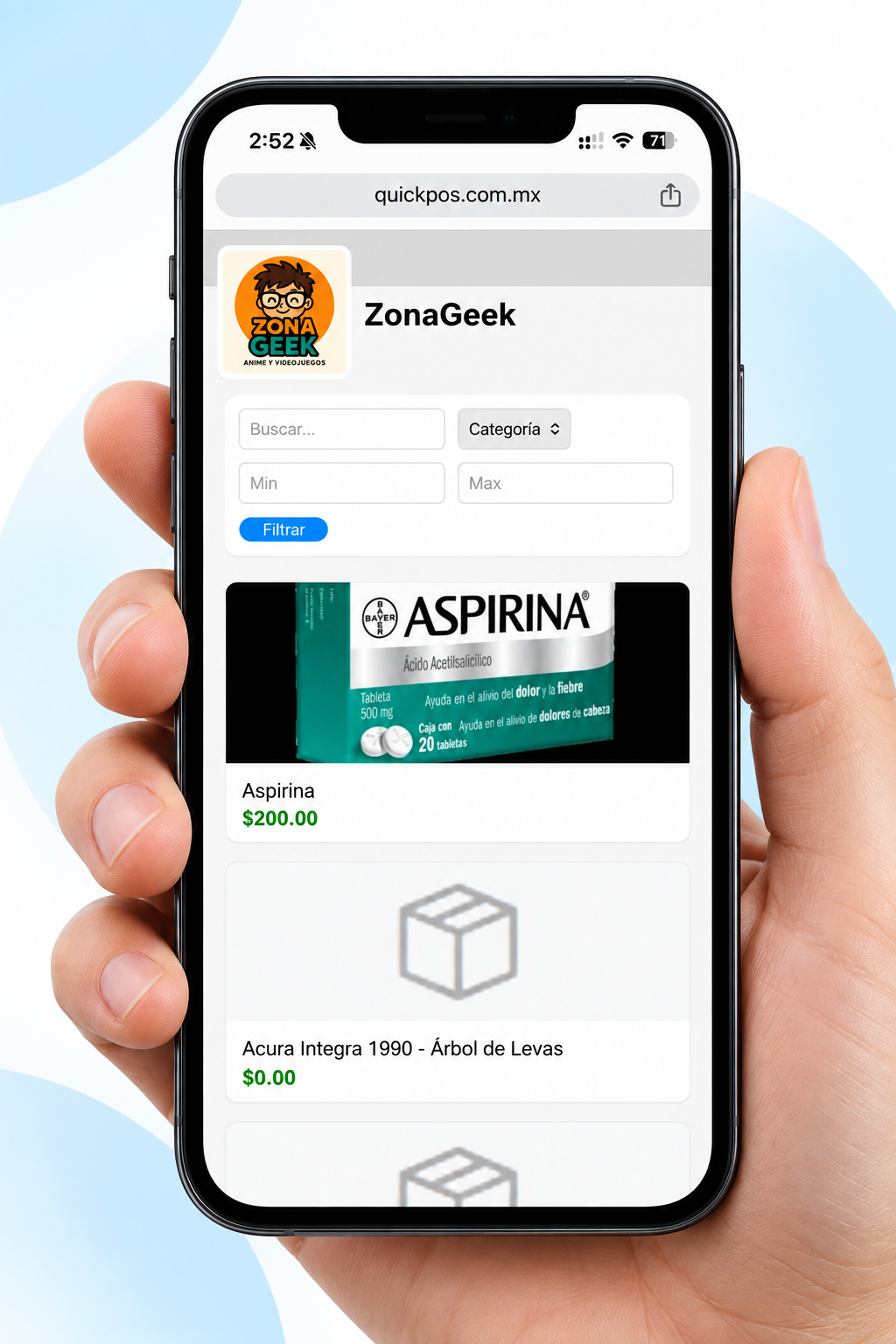
Create your online catalog, add your products and share it with your customers in seconds. No complicated websites, no technical skills and no additional cost when using QuickPOS.

You do not need to hire a designer, build an online store from scratch, or learn complicated tools. QuickPOS turns your products into a catalog you can show and share with your customers.
Have a link you can send to your customers so they can browse your products from any browser.
Your customers can browse your catalog from a phone, tablet, or computer without installing anything.
Copy your link and send it through WhatsApp, social media, messages, or any other channel you use.
When you add or update products in QuickPOS, your catalog can display the latest information.
Use your products, images, prices, and categories to create a digital showcase for your customers. You do not need to pay for another platform to start showcasing what you sell.
I want my catalogWith QuickPOS, you can build your catalog step by step. Here is the process to start showcasing your products.

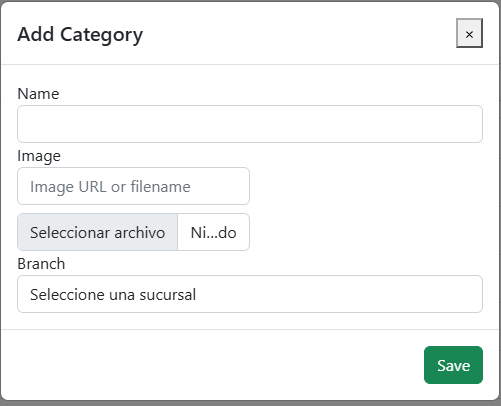
Organize your catalog by creating categories so your customers can quickly find what they are looking for.

Simply enter the name and, if you want, add an image. QuickPOS takes care of the rest.

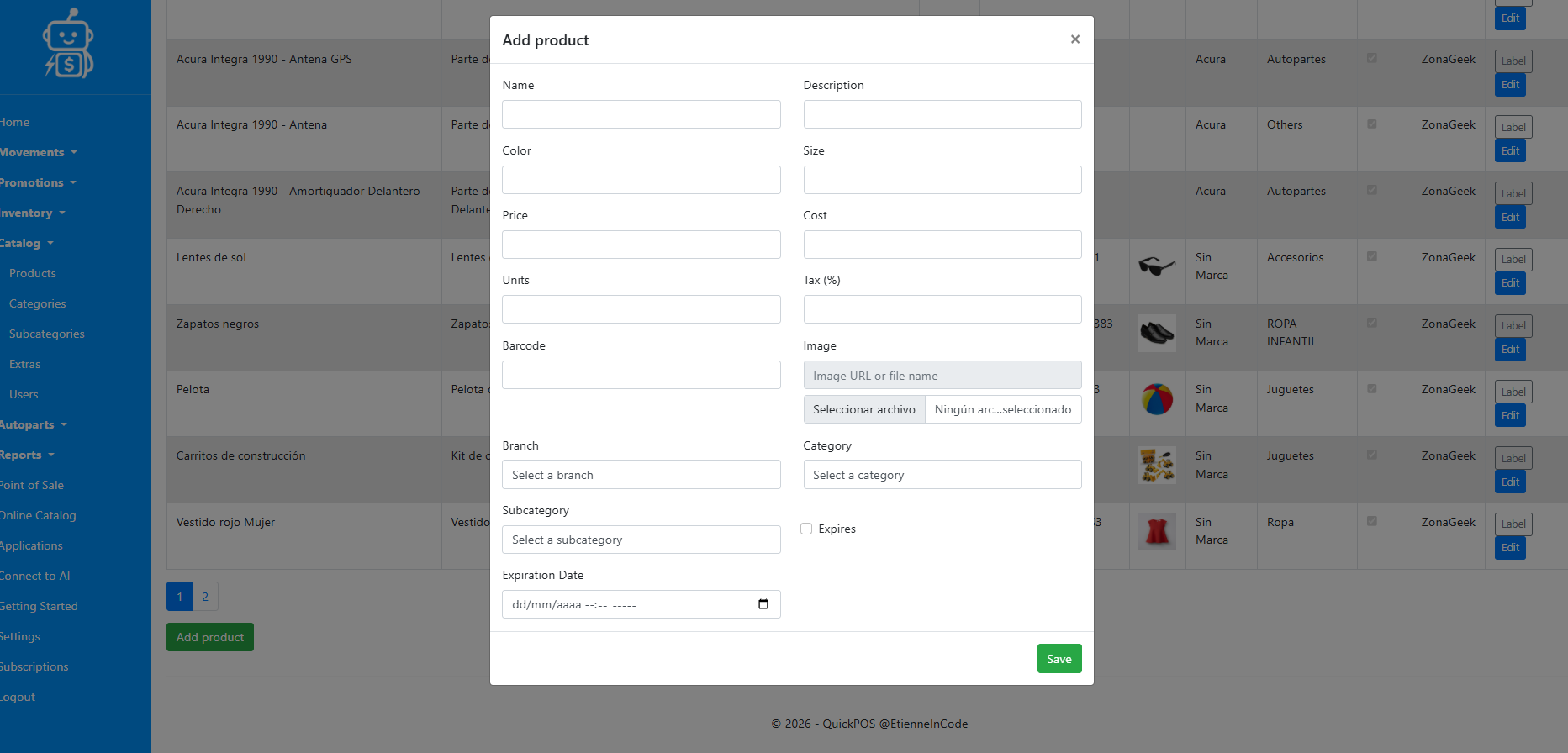
Enter the name, description, price, image, category, and the information you need to showcase your products.
A digital catalog is not only useful for showcasing products. It also helps your customers learn what you sell before they visit or contact you.
Your customers can browse your products without asking you for photos one by one.
Share one link and let your customers explore your entire catalog.
Reach more people with your products and make it easier to connect with new customers.
Create my free catalog